
GoLand shortcuts for Mac
129 shortcuts · 10 categories
GoLand is an integrated development environment (IDE) for the Go programming language that offers features such as code completion, refactoring, and debugging support. Download GoLand
Use these GoLand shortcuts from a pie menu
Access your favorite GoLand shortcuts instantly with Pie Menu. No more memorizing—just point and click.
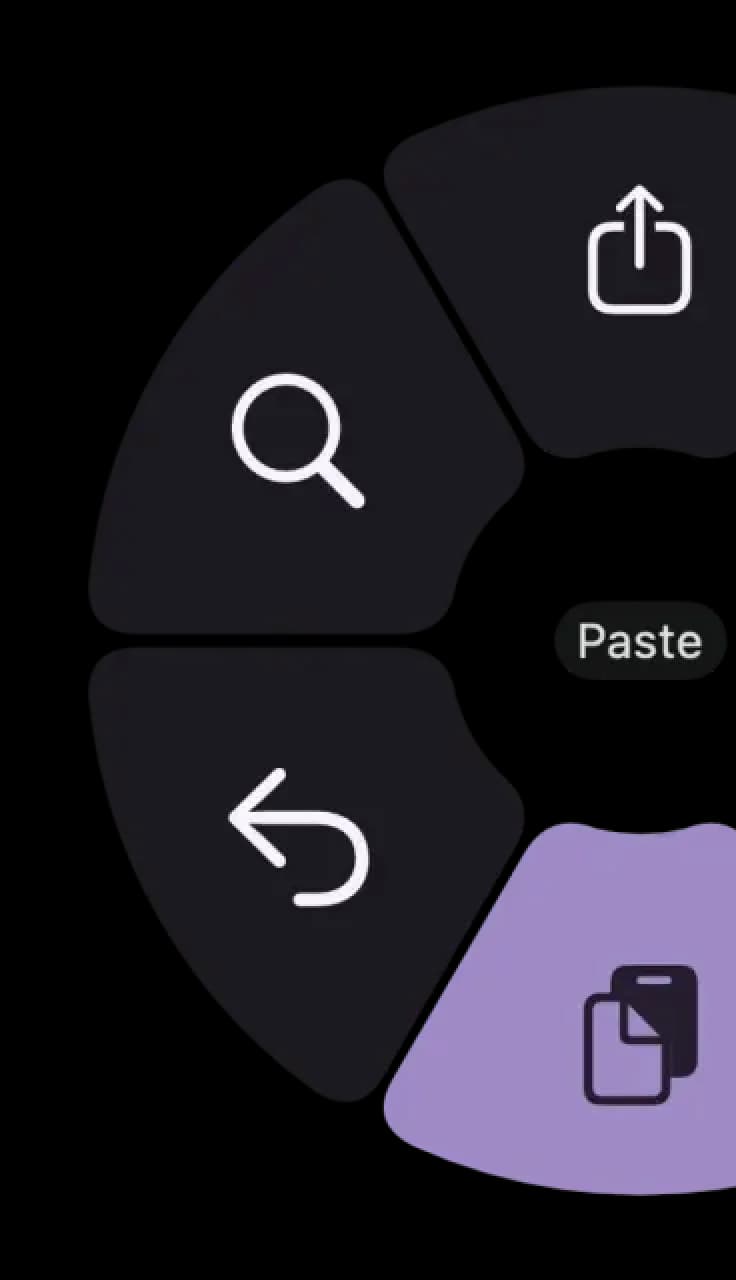
Hover a shortcut to add it to Pie Menu
Mac keyboard shortcuts for GoLand
VCS / Local History
Compile and Run
Refactoring
Editing
- Insert live template⌘ (command) + j Add →
- Surround with live template⌥ (option) + ⌘ (command) + j Add →
- Close active editor tab⌘ (command) + w Add →
- Collapse all⇧ (shift) + ⌘ (command) + - Add →
- Expand all⇧ (shift) + ⌘ (command) + + Add →
- Collapse code block⌘ (command) + - Add →
- Expand code block⌘ (command) + + Add →
- Delete to word start⌥ (option) + ⌫ Add →
- Delete to word end⌥ (option) + ⌫ Add →
- Select till code block end⇧ (shift) + ⌘ (command) + ] Add →
- Select till code block start⇧ (shift) + ⌘ (command) + [ Add →
- Toggle case⇧ (shift) + ⌘ (command) + u Add →
- Start new line⇧ (shift) + ↵ Add →
- Smart line split⌘ (command) + ↵ Add →
- Smart line join⌃ (control) + ⇧ (shift) + j Add →
- Delete line at caret⌘ (command) + ⌫ Add →
- Duplicate current line⌘ (command) + d Add →
- Paste from recent buffers...⇧ (shift) + ⌘ (command) + v Add →
- Paste from clipboard⌘ (command) + v Add →
- Copy current line to clipboard⌘ (command) + c Add →
- Cut current line to clipboard⌘ (command) + x Add →
- Indent / unindent selected lines⇥ Add →
- Auto-indent line⌃ (control) + ⌥ (option) + i Add →
- Optimize imports⌃ (control) + ⌥ (option) + o Add →
- Reformat code⌥ (option) + ⌘ (command) + l Add →
- Context info⌃ (control) + ⇧ (shift) + q Add →
- Comment with block comment⌥ (option) + ⌘ (command) + / Add →
- Comment with line comment⌘ (command) + / Add →
- Surround with …⌥ (option) + ⌘ (command) + t Add →
- Implement methods⌃ (control) + i Add →
- Override methods⌃ (control) + o Add →
- Show descriptions of error at caret⌘ (command) + f1 Add →
- Brief info⌘ (command) + mouse Add →
- External doc⇧ (shift) + f1 Add →
- Quick documentation lookup⌃ (control) + j Add →
- Complete statement⇧ (shift) + ⌘ (command) + ↵ Add →
Debugging
- View breakpoints⇧ (shift) + ⌘ (command) + f8 Add →
- Toggle breakpoint⌘ (command) + f8 Add →
- Resume program⌥ (option) + ⌘ (command) + r Add →
- Evaluate expression⌥ (option) + f8 Add →
- Run to cursor⌥ (option) + f9 Add →
- Step out⇧ (shift) + f8 Add →
- Step overf8 Add →
- Smart step into⇧ (shift) + f7 Add →
- Step intof7 Add →
Search / Replace
- Unselect occurrence⌃ (control) + g Add →
- Select all occurrences⌃ (control) + ⌘ (command) + g Add →
- Select next occurrence⌃ (control) + g Add →
- Replace in path⇧ (shift) + ⌘ (command) + r Add →
- Find in path⇧ (shift) + ⌘ (command) + f Add →
- Find previous⇧ (shift) + ⌘ (command) + g Add →
- Find next⌘ (command) + g Add →
- Replace⌘ (command) + r Add →
- Find⌘ (command) + f Add →
Show Tool Windows
- Show Terminal window⌥ (option) + f12 Add →
- Show Commit window⌘ (command) + 0 Add →
- Show Version Control window⌘ (command) + 9 Add →
- Show Services window⌘ (command) + 8 Add →
- Show Structure window⌘ (command) + 7 Add →
- Show Problems window⌘ (command) + 6 Add →
- Show Debug window⌘ (command) + 5 Add →
- Show Run window⌘ (command) + 4 Add →
- Show Find window⌘ (command) + 3 Add →
- Show Favorites window⌘ (command) + 2 Add →
- Show Project window⌘ (command) + 1 Add →
General
Important
- Search everywhereshift shift Add →
- Rename⇧ (shift) + f6 Add →
- Recent files popup⌘ (command) + e Add →
- Extend selection⌥ (option) + ↑ Add →
- Shrink selection⌥ (option) + ↓ Add →
- Parameter info⌘ (command) + p Add →
- Generate code⌘ (command) + n Add →
- Show intentions and quick-fixes⌘ (command) + ↵ Add →
- Smart code completion⌃ (control) + ⇧ (shift) + space Add →
- Basic code completion⌃ (control) + space Add →
- Find action⇧ (shift) + ⌘ (command) + a Add →
Download Keyboard Cheat Sheet for GoLand for Mac
Do you want all keyboard shortcuts for GoLand in one pdf?

Community shortcuts for GoLand
Be the first to share — open Pie Menu → GoLand → Share Config
View community page →
Get started with Pie Menu today.
The convenience of shortcuts without the memorization!
Similar apps
 MacMD Viewer12
 Cursor17
 Framer72
 VSCode121
 Adobe Dreamweaver139
 AppCode125
 Xcode58
 Cyberduck36
 IntelliJ IDEA113
- IntelliJ IDEA Ultimate113
 Sublime Text74
 TextMate117
Show more
 Android Studio123
 CLion179
 Eclipse215
 Emacs154
 MPS104
 PHPStorm194
 PyCharm192
 RStudio197
 RubyMine132
 Spyder145
 Webstorm29
 Coda51
 GitHub Desktop36
 GitKraken41
 Tower38
 Linear86
- Nova42
 Rive39
 Acreom33
 Filezilla30
 iTerm228
 Postman21
 Wordpress32
 Transmit60
 Sequel Pro65
 OpenAI Codex13
 Ghostty41
 Ollama16
 Antigravity64
 Fork17
 TablePlus17
 Warp18
 Zed21
Zed21
